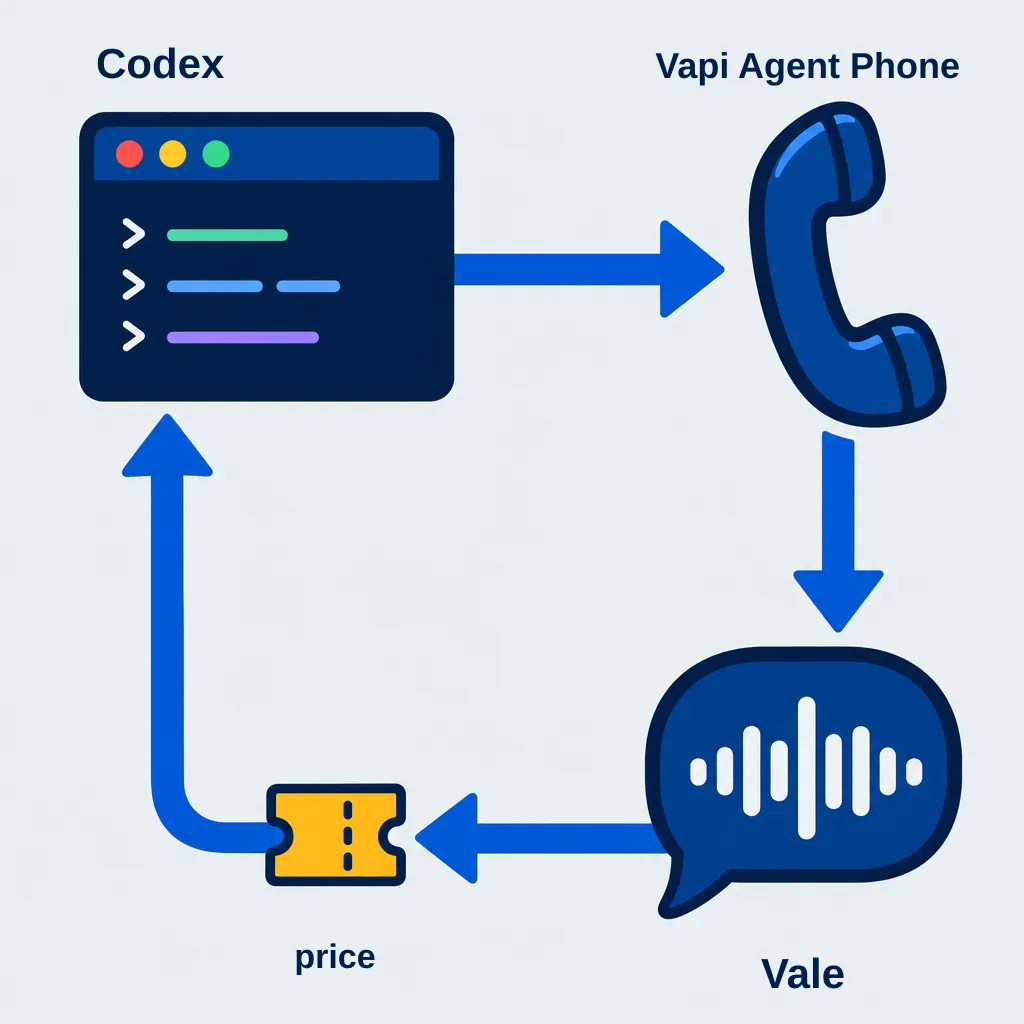

Motion keeps coming up in conversations about coding agents. I thought I would try animating a static voice AI flow diagram that existid in a completed presentation on adding voice AI to VoIP networks.
I opened Codex CLI and started with the static diagram. A few iterations later, it had animated arrows, play controls and a little pop when the animation reached its destination.
Small thing. Quite satisfying to press Play and watch something you have been building come to life.
We used GSAP, a JavaScript animation library, with its DrawSVG plugin for the arrows.
To try it, open your project's terminal with Node.js and npm installed, then run:
npm install gsap
DrawSVG is included. In your JavaScript or TypeScript file, import and register it:
import { gsap } from "gsap"; import { DrawSVGPlugin } from "gsap/DrawSVGPlugin"; gsap.registerPlugin(DrawSVGPlugin);
See the official GSAP installation guide for setup options.
Then give your coding agent a small task:
“Add a Play button to this diagram. Animate the arrows, then make each destination pop when its arrow arrives. Include a reduced-motion option.”
Start with one arrow and one destination. Get that feeling right before adding more.
Link here:
Stop guessing which prompt lines are safe to remove. Book a free 30-minute discovery call and we will review your live voice agent with you: https://patrickmichael.co.za